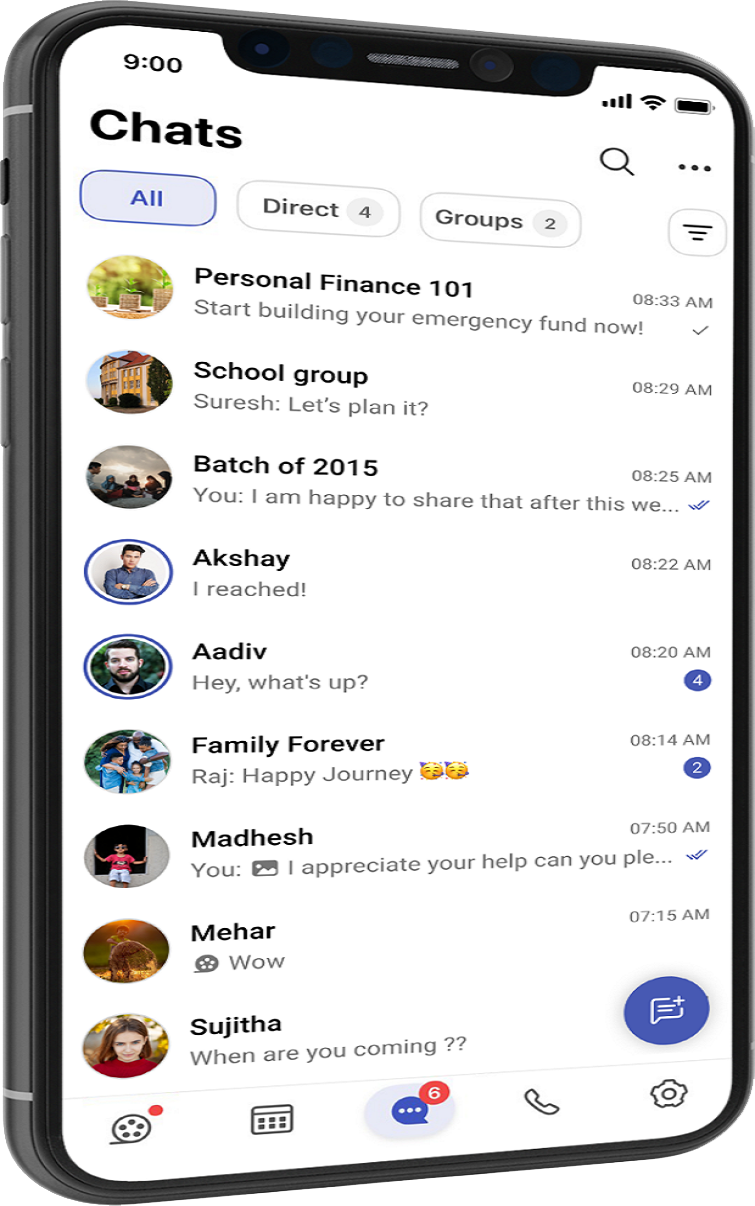
OUR APP FEATURES
With any exchange of data over the internet, security is key. CMS is built on the mission to keep your communication safe. This is carried out through end-to-end encrypted calls.
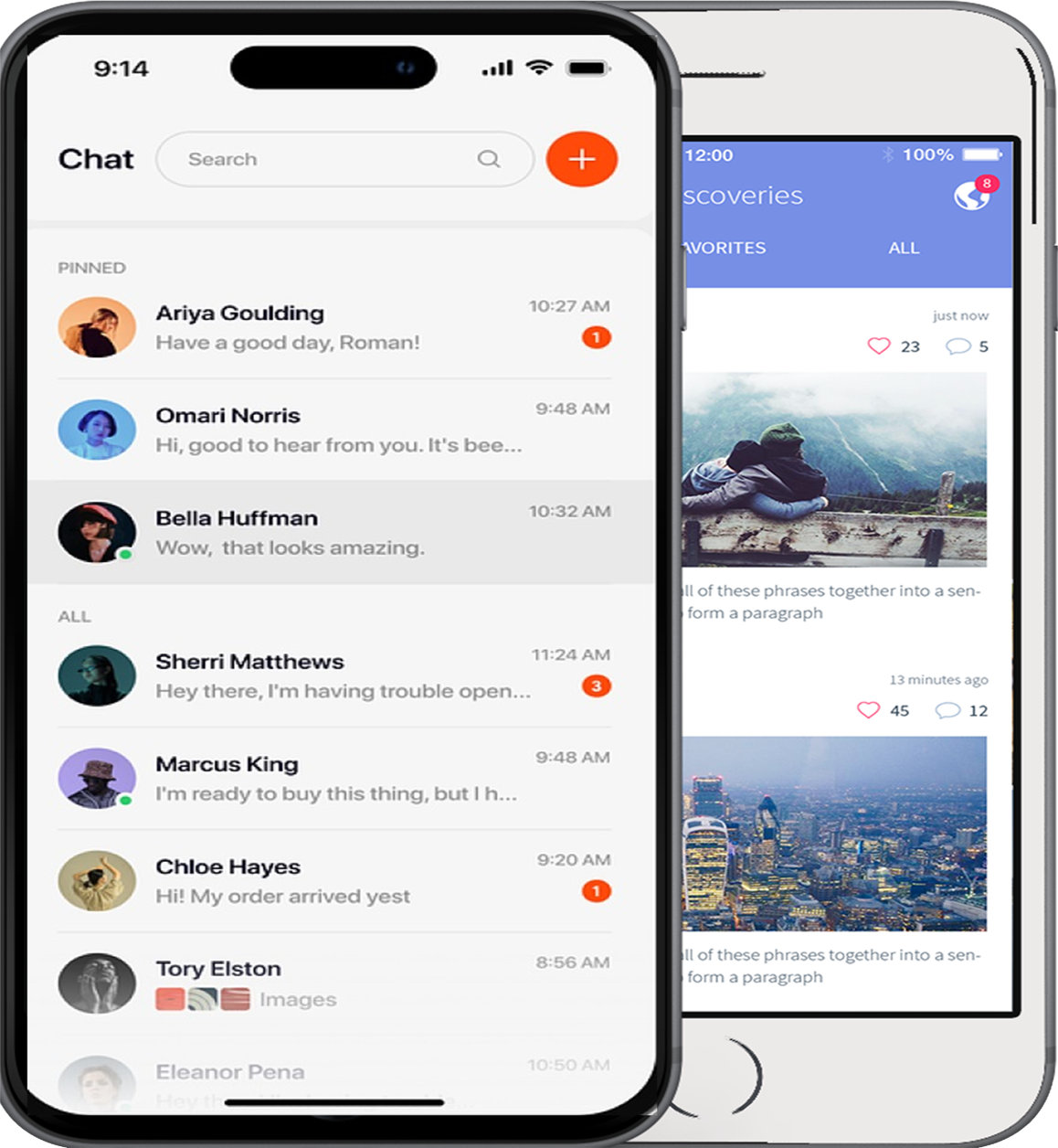
Communicate
Use instant chat and groups to stay connected with your friends and family!
Secure
We value privacy. Calls and direct messages are end-to-end encrypted.
Emote
Express your thoughts in a fun way through custom/animated stickers, and reactions.
AI Assistant
AI Assistant gives you the flexibility to work in offline mode or leverage cloud-based AI processing, depending on your preferences and security requirements.
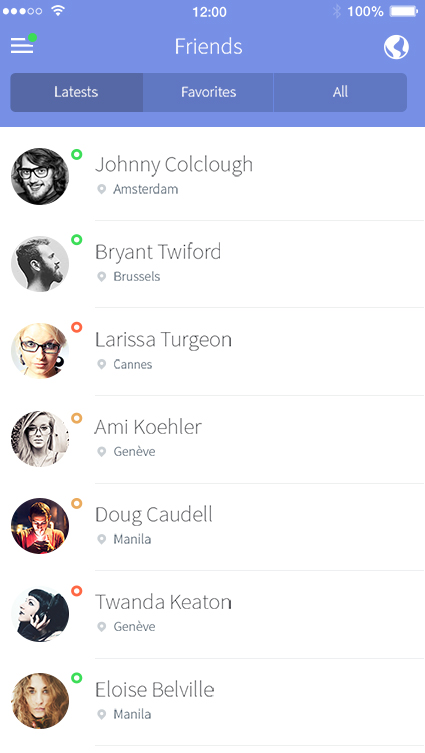
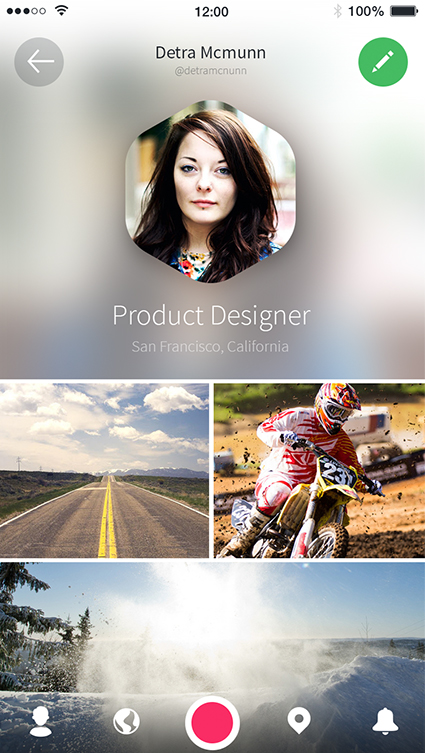
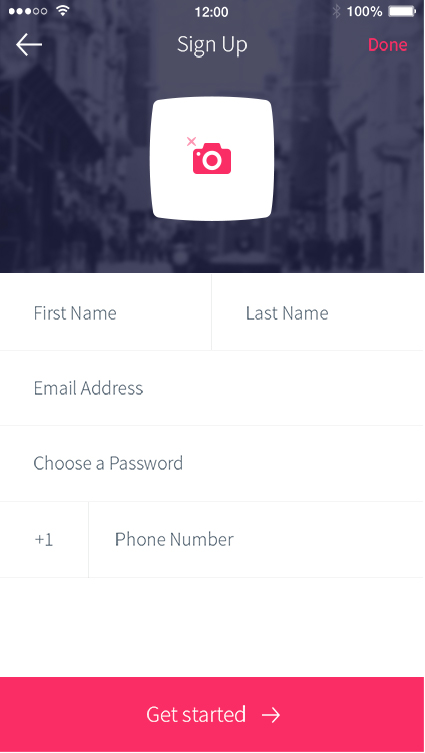
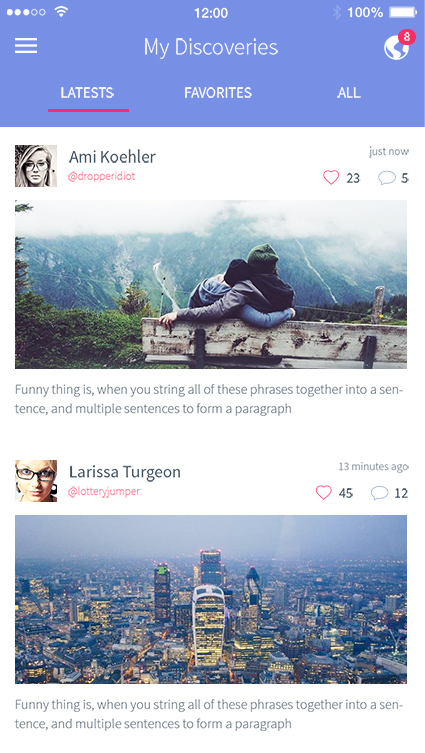
APPS SCREENSHOT
Capture important moments through text, images, or videos and share them with your friends and family. Once posted, your stories are visible for 24 hours. You can also choose who sees your stories with custom privacy settings..

GET THE APP
Chat, call, and connect instantly. CMS keeps your chats flowing wherever you go. Requires Android 6 or newer.Install CMS from the Mac App Store. Requires MacOS 10.15 or newer.Chat, call, and connect instantly. CMS keeps your chats flowing wherever you go. Requires iOS 14 or newer.
FAQ
GET IN TOUCH
We’ll help you find the right solutions for your. Fill out the form below and our team will get back to you shortly.
Office Location
Ganjam,Berhampur,Odisha-760010,India
Phone Number
+91 99 3806 4568
+91 680 3056 3458
Email Address
help@zentechiq.com
support@zentechiq.com